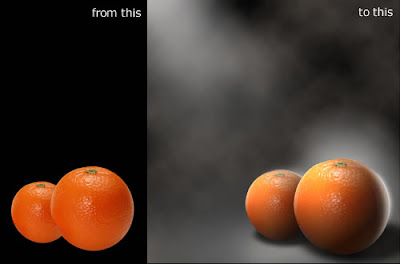
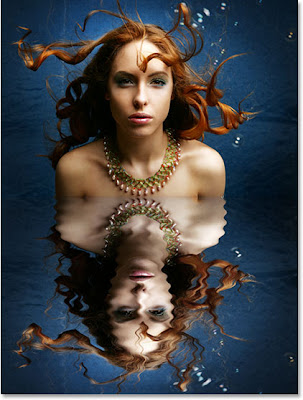
Professional photographers use filters to correct lighting conditions, enhance specific colors, and create special effects such as fog, vignettes, and cross stars. You can apply photographic-style filters in Photoshop using the Photo Filter command. The Photoshop photo filters recolor photographs by enhancing warm or cool colors, or by completely retinting the photograph to a specific hue such as yellow, magenta, brown, or blue.
In this technique, you find out how to apply Photoshop's photo filters to recolor your photographs. Also, you discover how to make your photographs look like old-time sepia-toned photos. So, find an interesting photograph and experiment with photo filters!
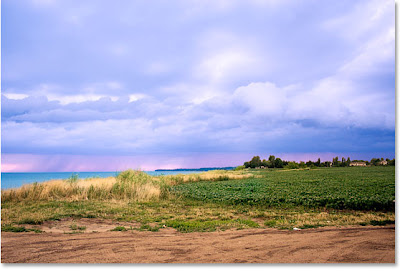
About this photoshop photo filter tutorial : This tutorial is written by Steve Patterson for Photoshop Essentials.com. He says:
If Photoshop's Photo Filter isn't one of the most widely used features in the program, it certainly deserves to be. Not only is it easy to use, it's the only feature in Photoshop that lets you choose colors simply by selecting color names from a list! It also has several valuable uses, one of which we've already looked at in a previous tutorial - Neutralizing Color Casts With The Photo Filter - and this time, we're going to learn how to use it to tint and enhance colors in an image.
Read Full Tutorial HereLabels: Composition, Photography, Retouching